
Accept a request from your booking link
A customer's request arrives in Booking requests. Accept it to make a normal booking, or reject it.
Owner, Booking staffWebsiteAbout 2 min6 steps
- 1
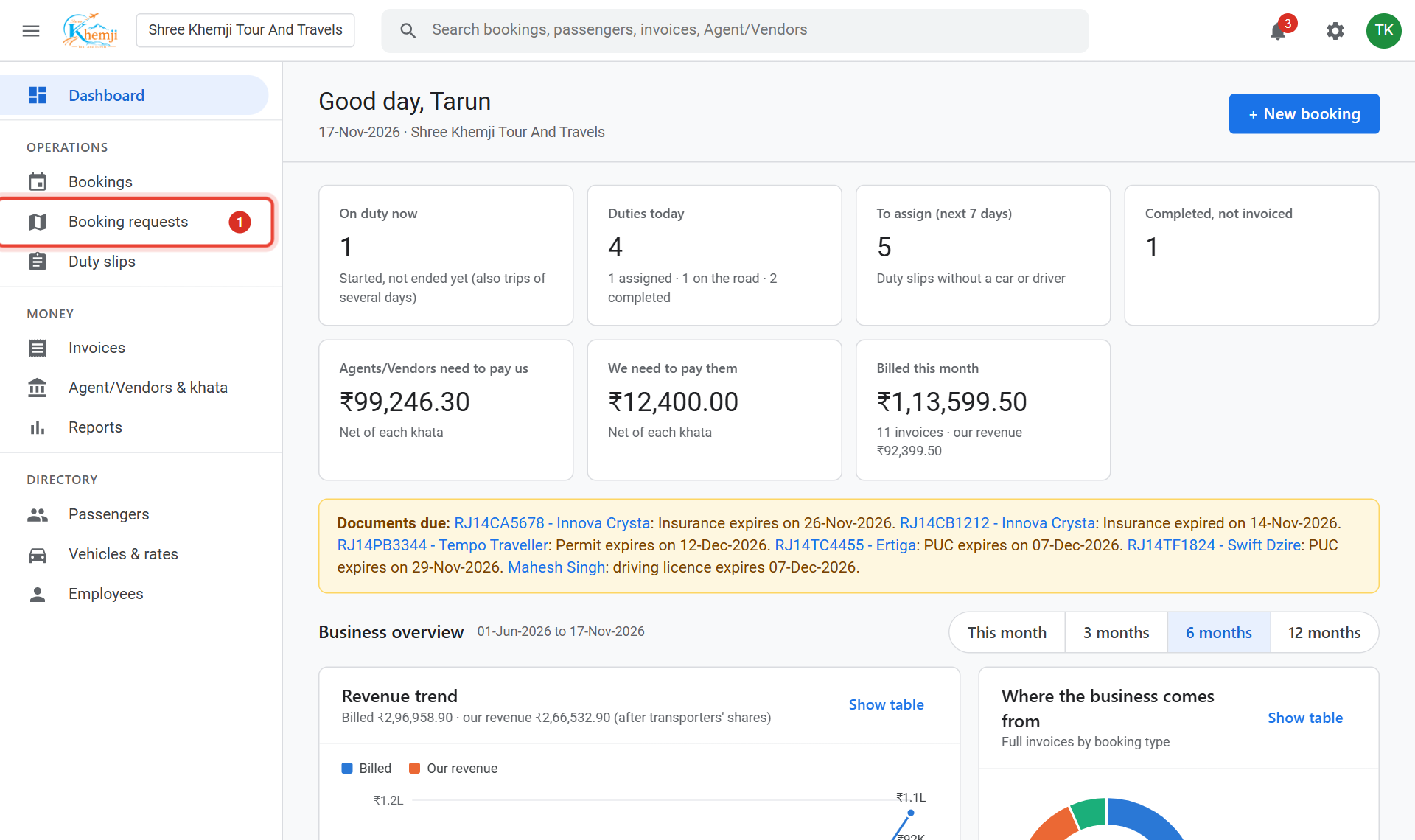
A new request shows a red number next to Booking requests on the left menu. Click it.
- 2
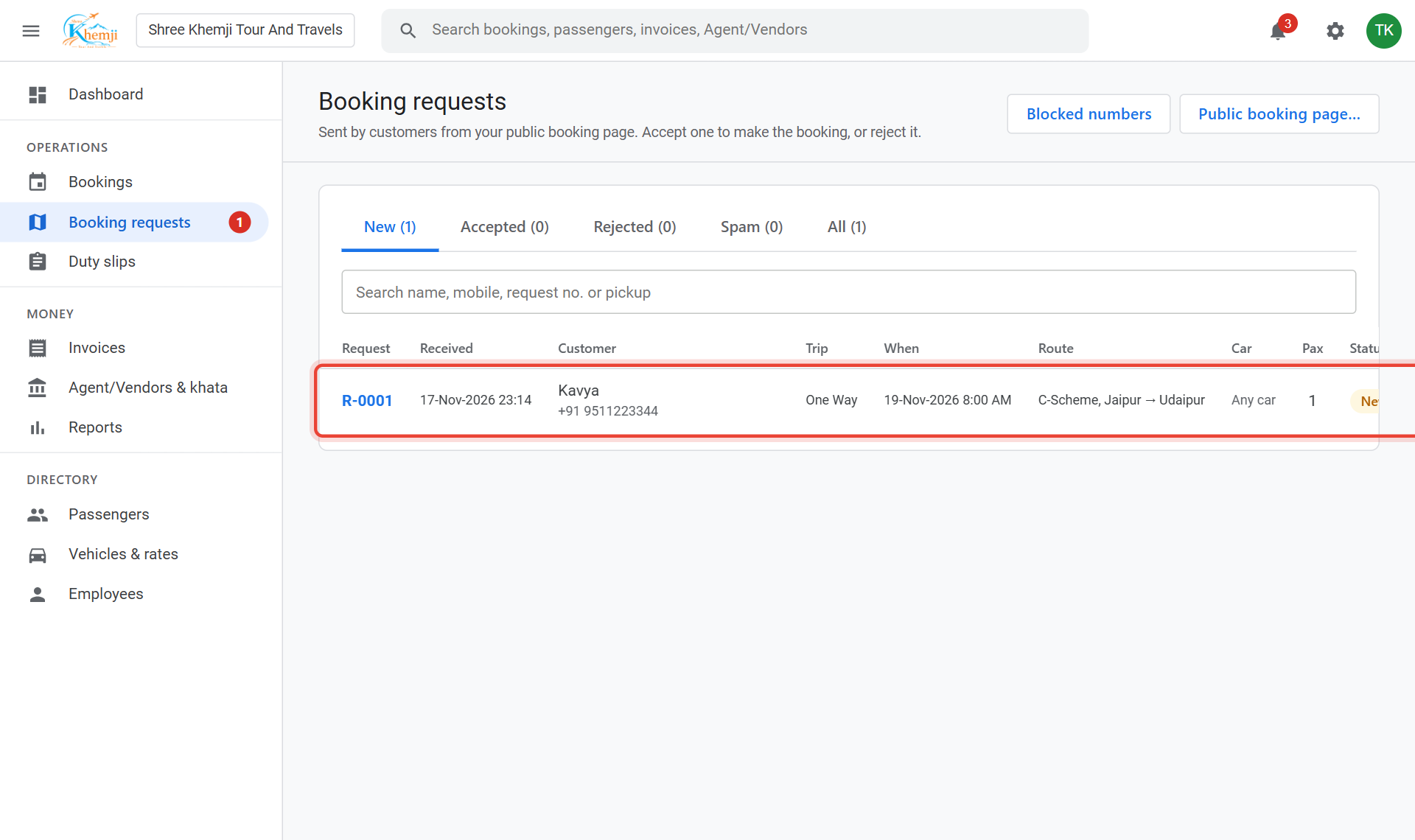
Click the request to open it.
- 3
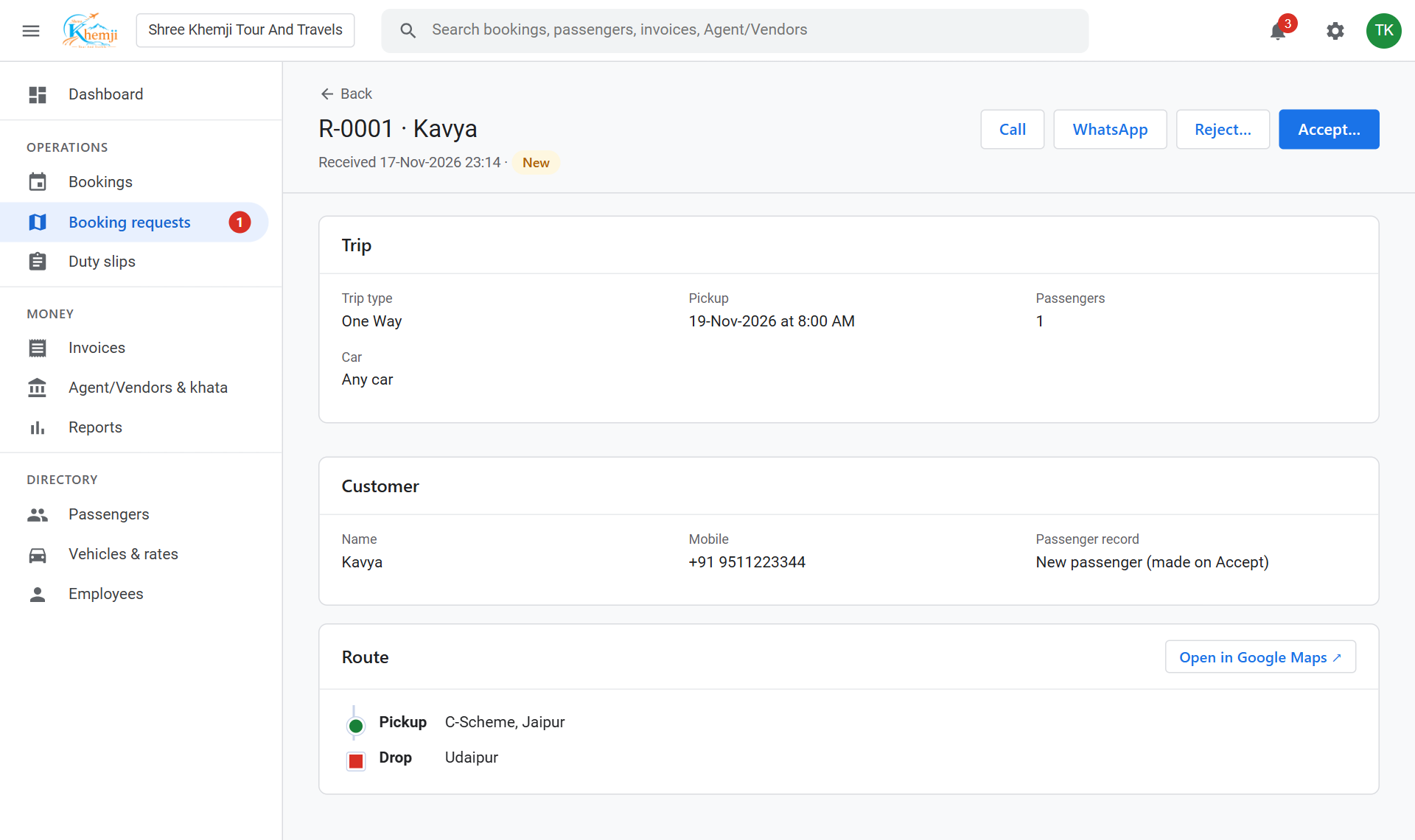
Read the trip, the customer, and the route. Call or WhatsApp them to agree the fare.
- 4
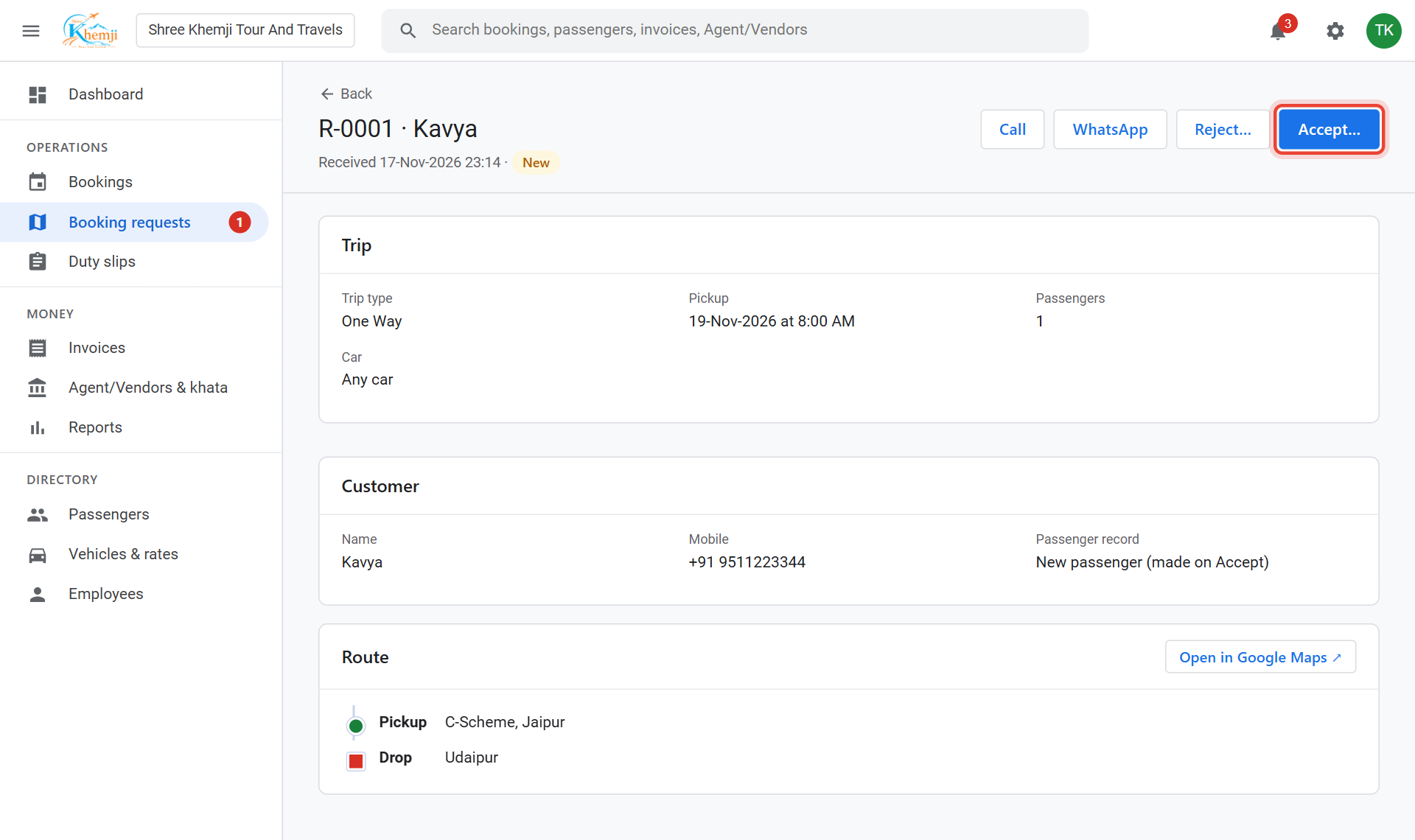
Click Accept….
- 5
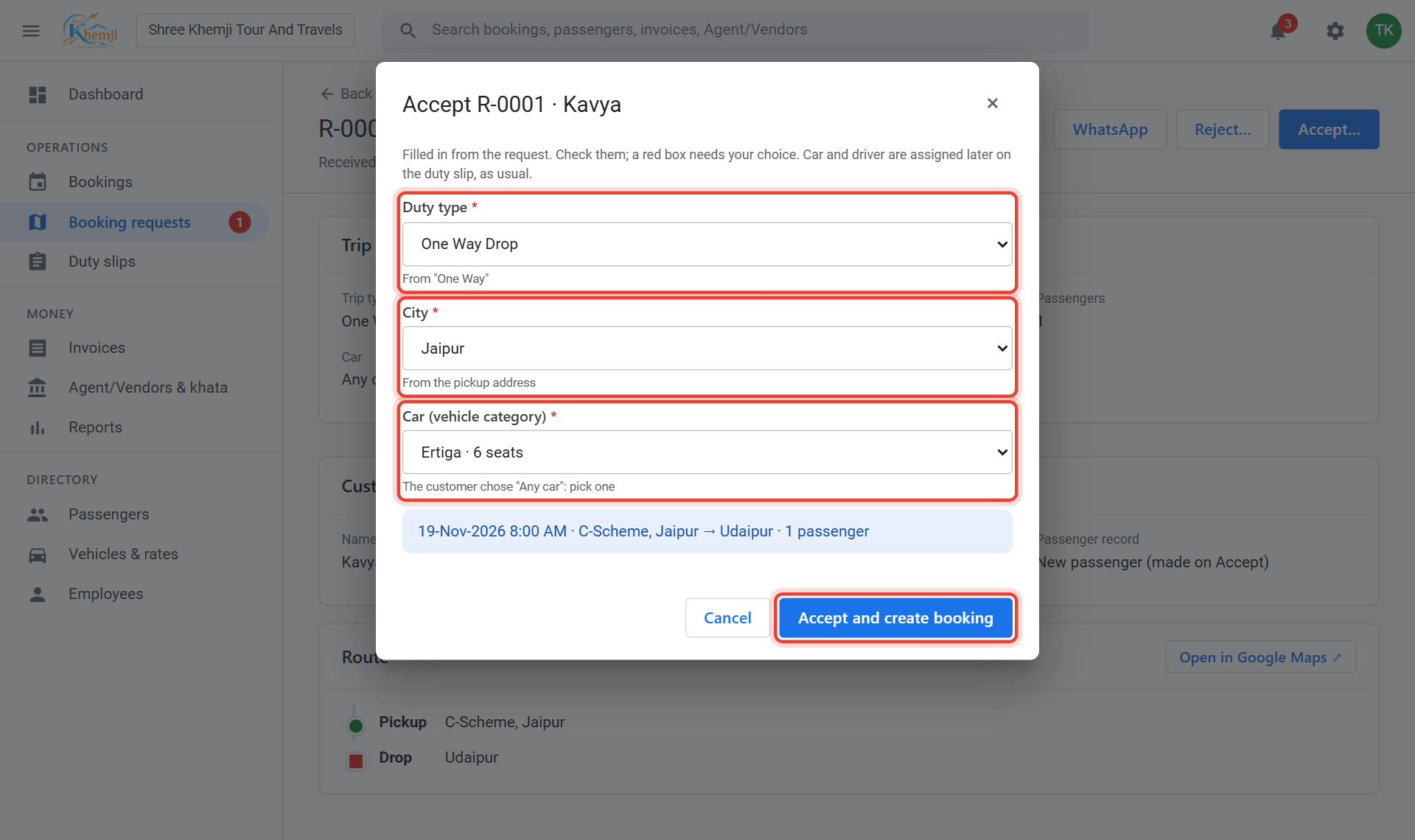
Check the Duty type, City and Car: they are filled in from what the customer chose. Then click Accept and create booking.
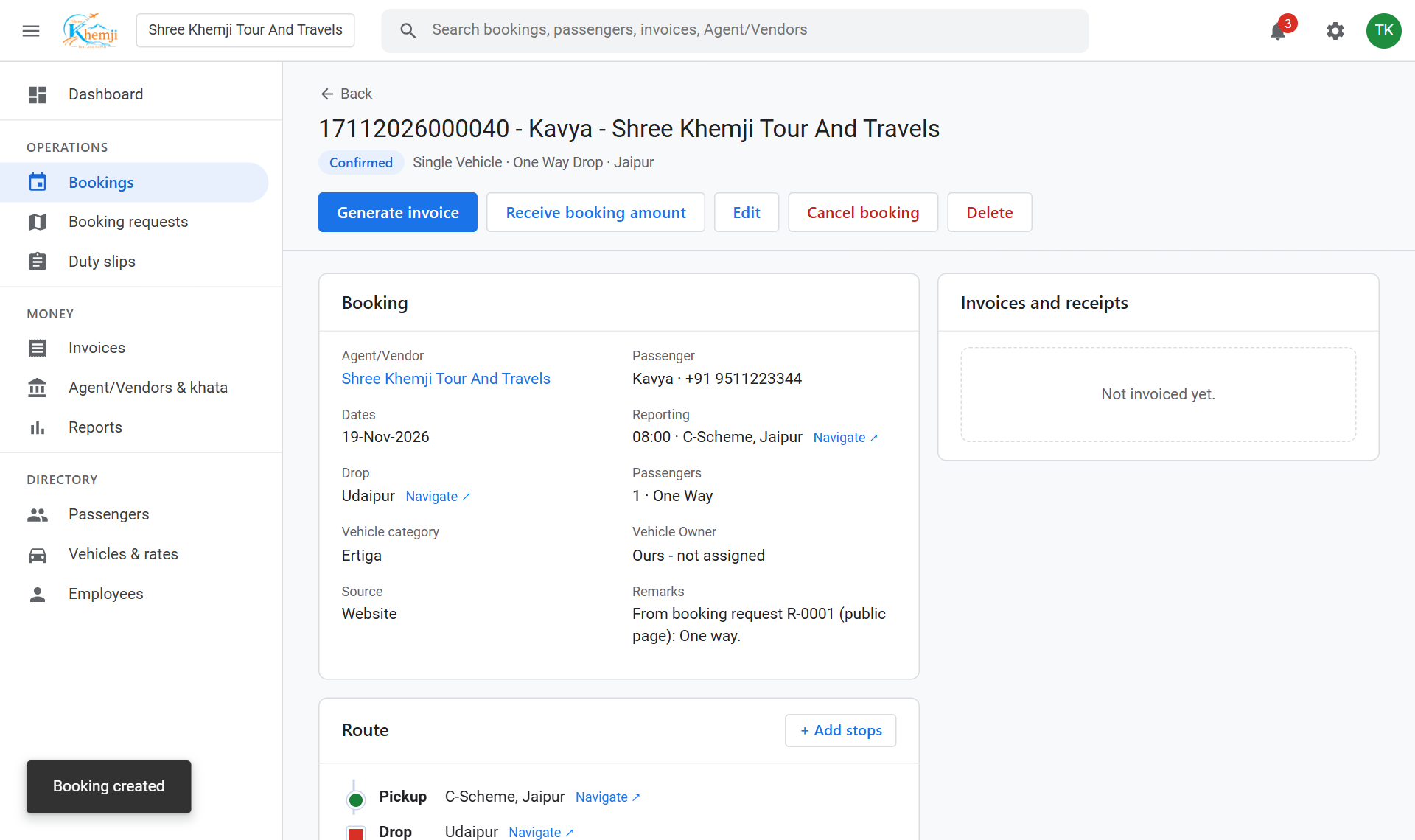
Done. It is now a normal booking with its duty slip. Give it a car and driver as usual.
Not a real trip? Click Reject with a reason, or Spam to also block that mobile number. Undo brings a request back.
Did this help?
Stuck on a step? We help on call and WhatsApp, in Hindi and English.