
Driver: do a trip on the phone
The driver signs in with mobile + PIN, starts the trip with the odometer photo, adds toll and fuel on the way, and the passenger signs at the end. The office sees it at once.
- 1
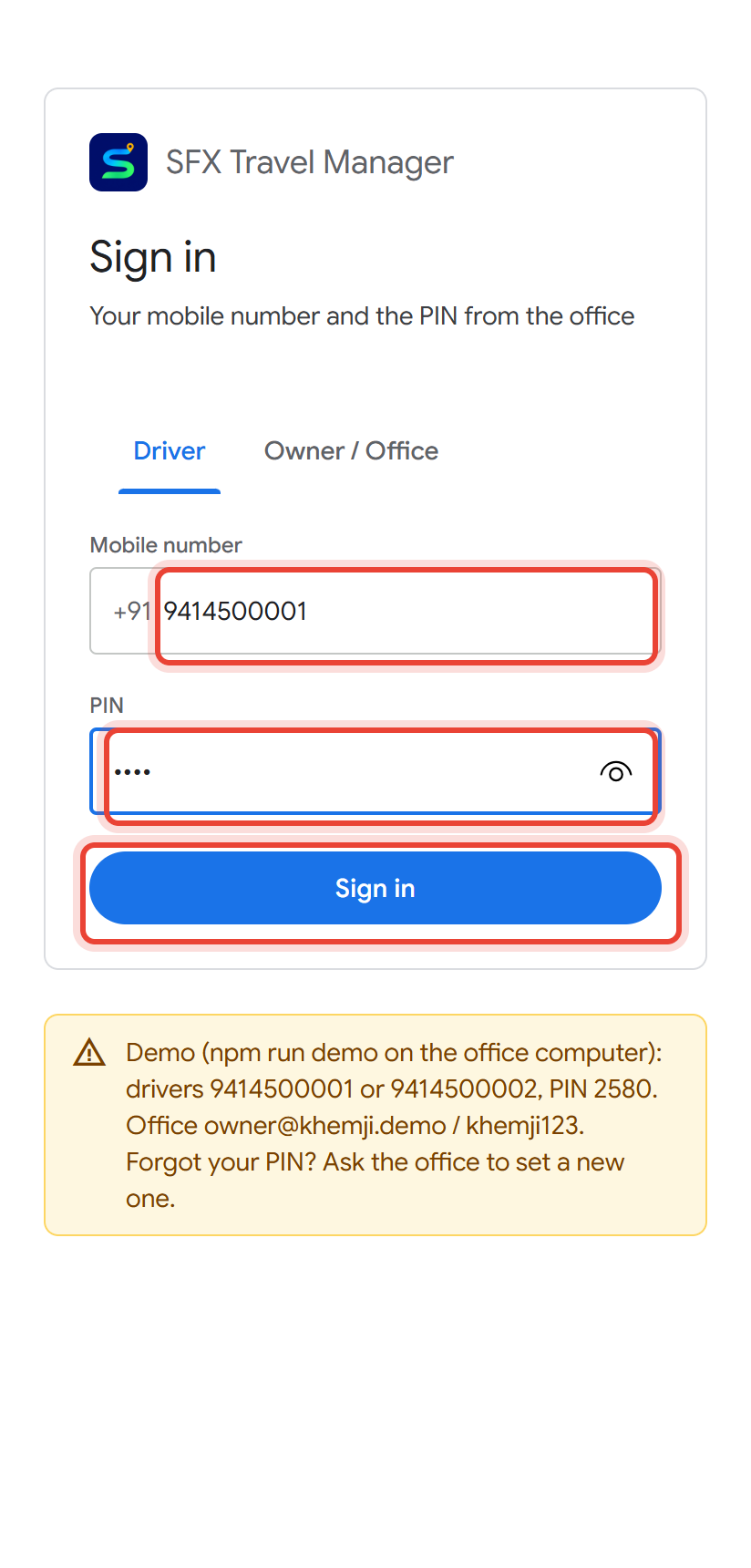
Open the SFX Travel Manager app. On Driver, type your Mobile number and the PIN the office gave you, then tap Sign in.
- 2
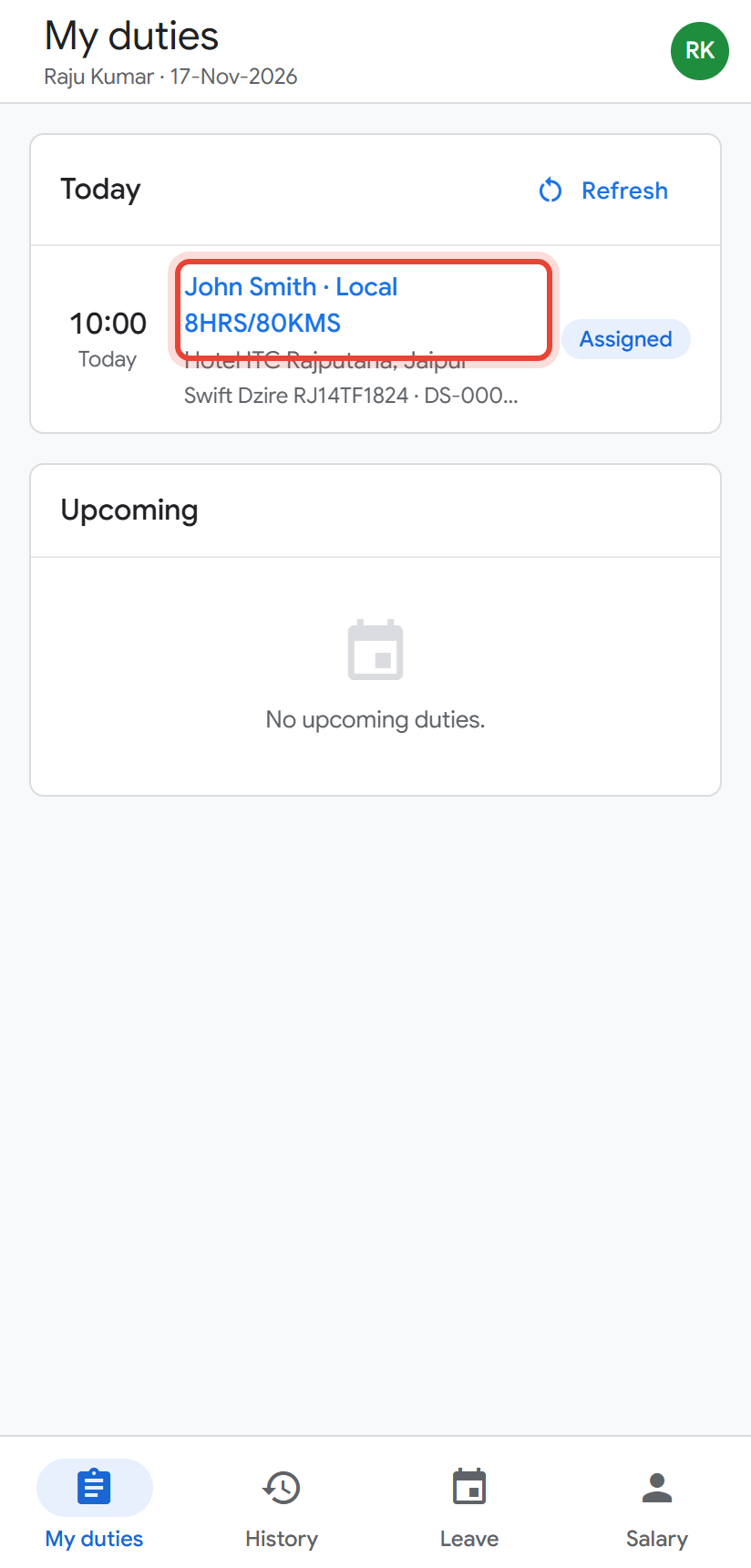
My duties shows today's and upcoming trips. Tap the trip to open it.
- 3
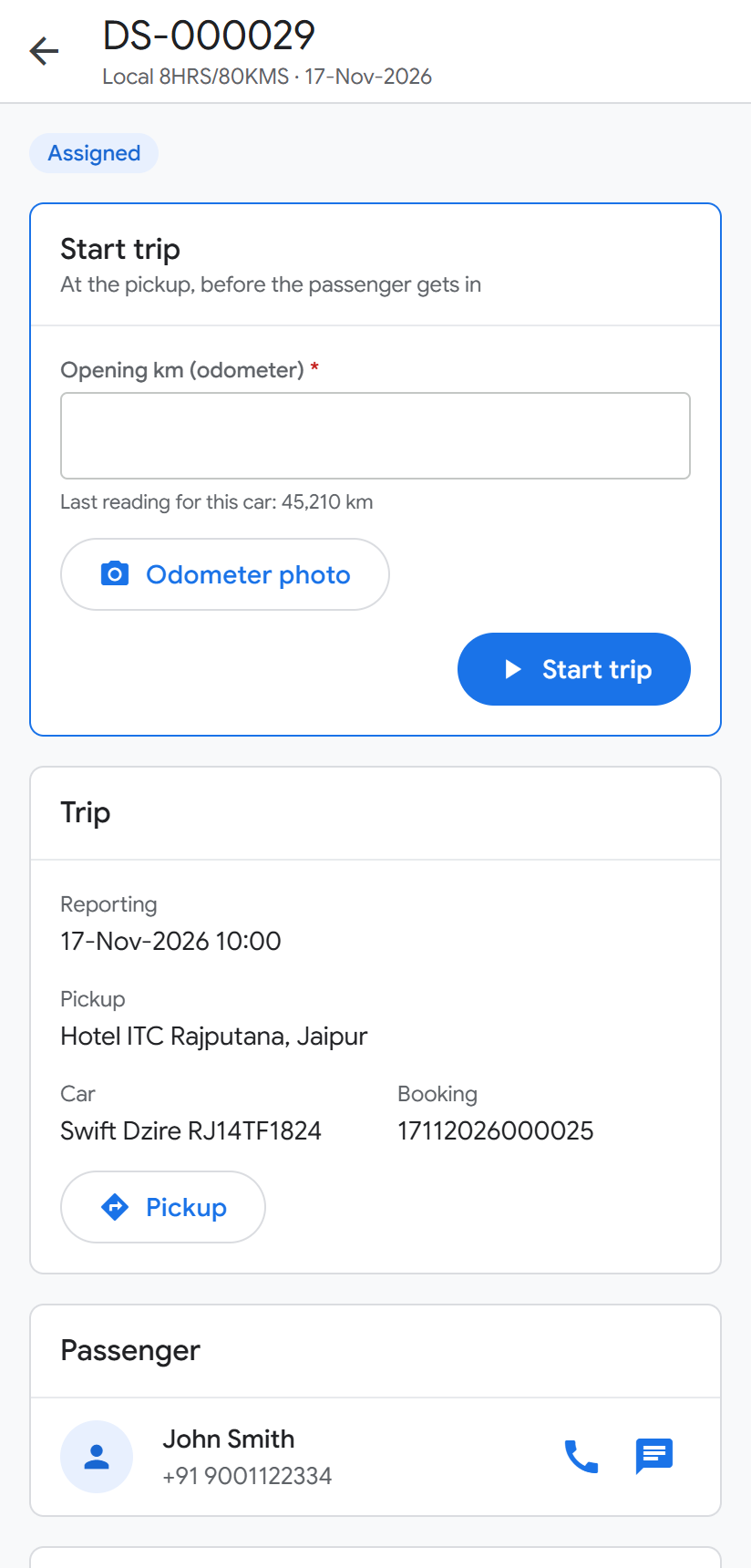
You see the passenger, pickup and drop. Call or WhatsApp the passenger; tap the pickup to open the map.
- 4
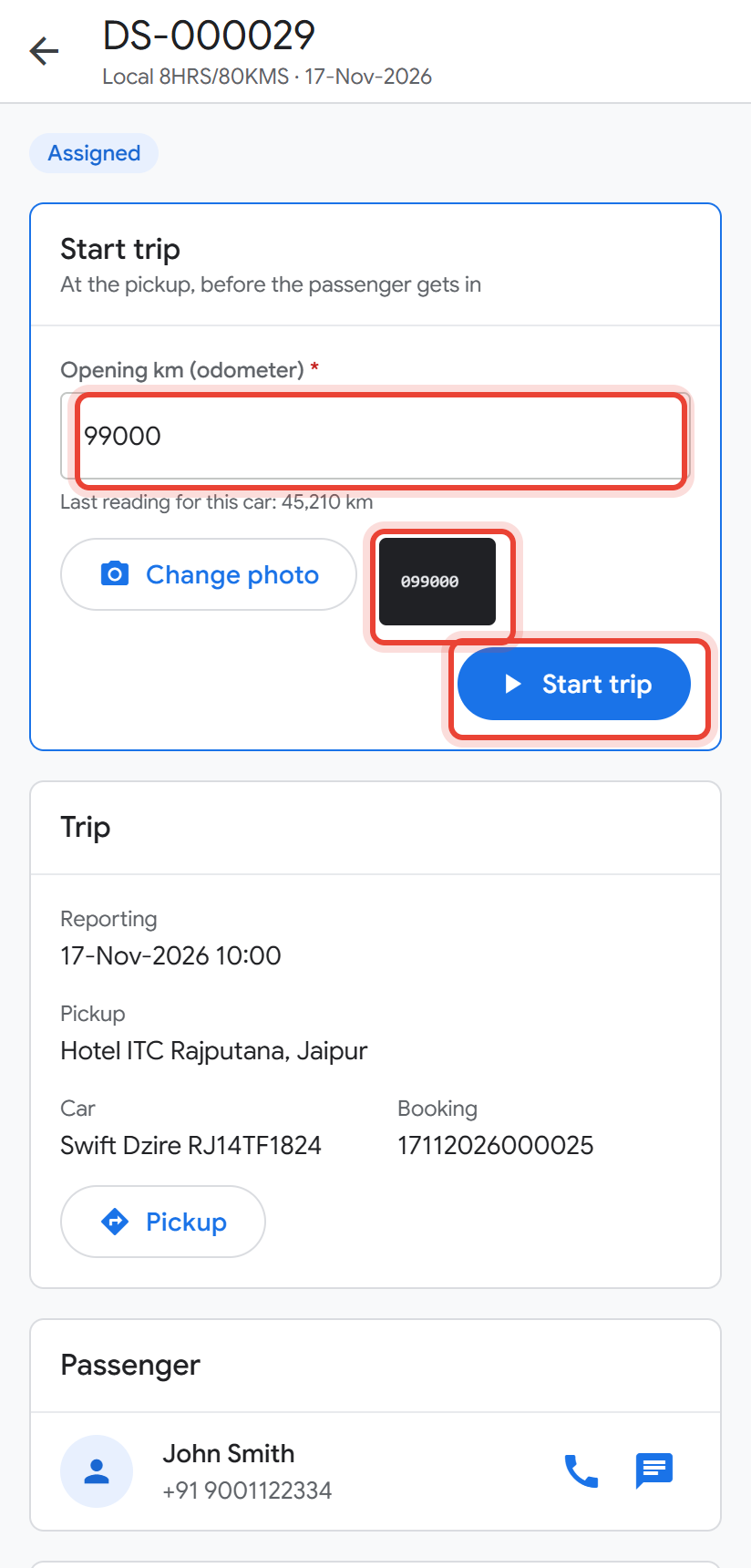
At the pickup: type the Opening km, take an Odometer photo, then tap Start trip.
- 5
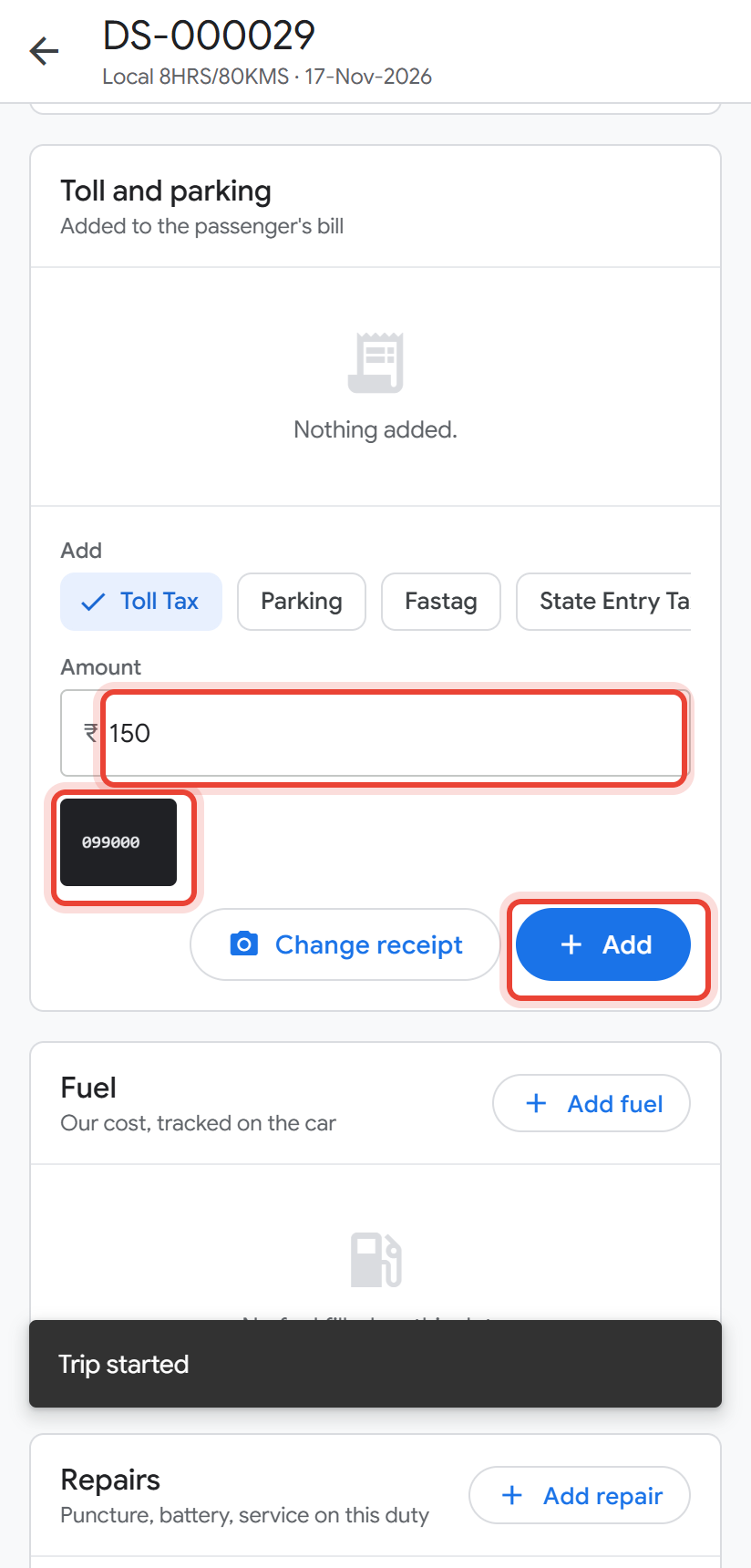
On the way, add toll, parking or state tax: the Amount and a Receipt photo, then Add. Add fuel and Add repair work the same way.
- 6
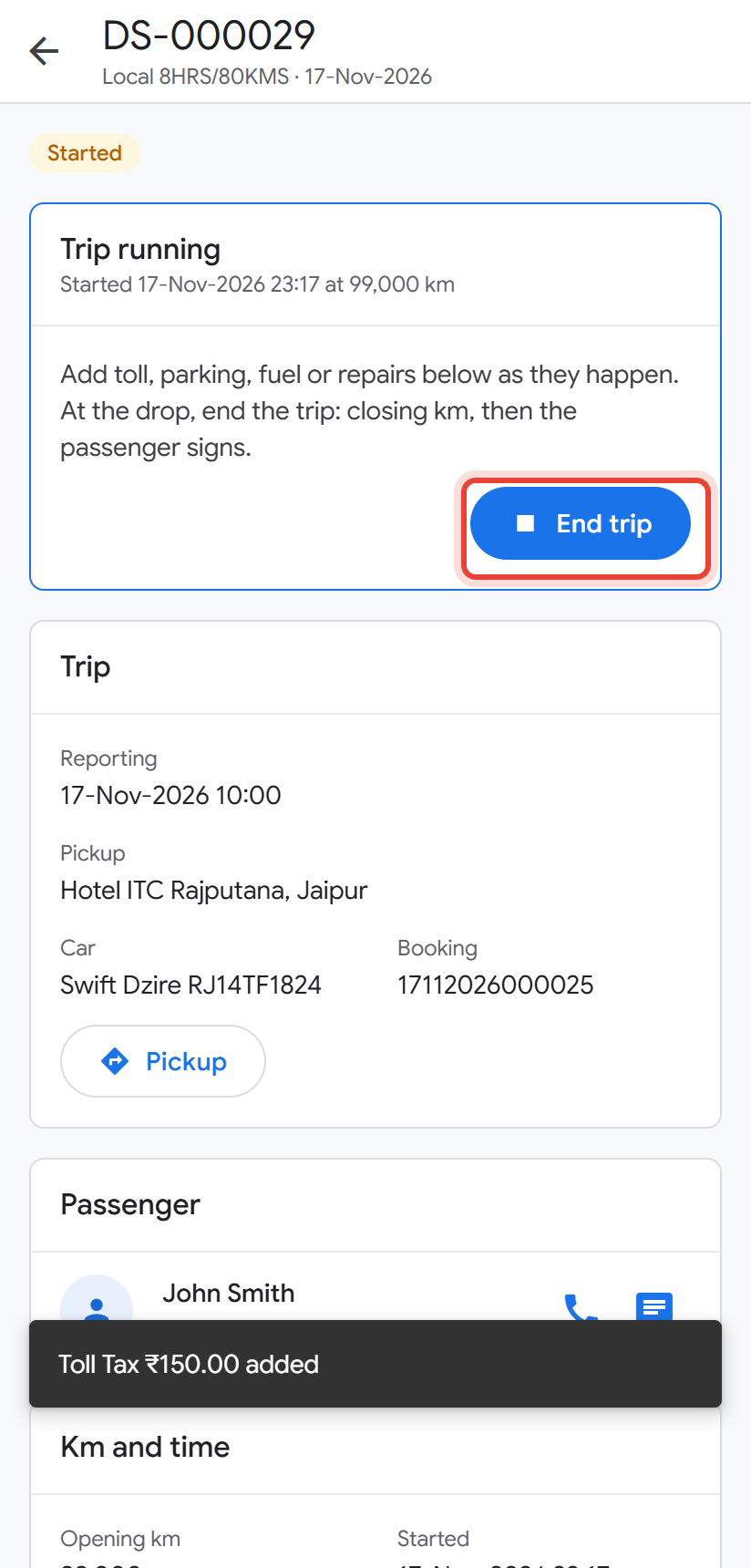
At the drop, tap End trip.
- 7
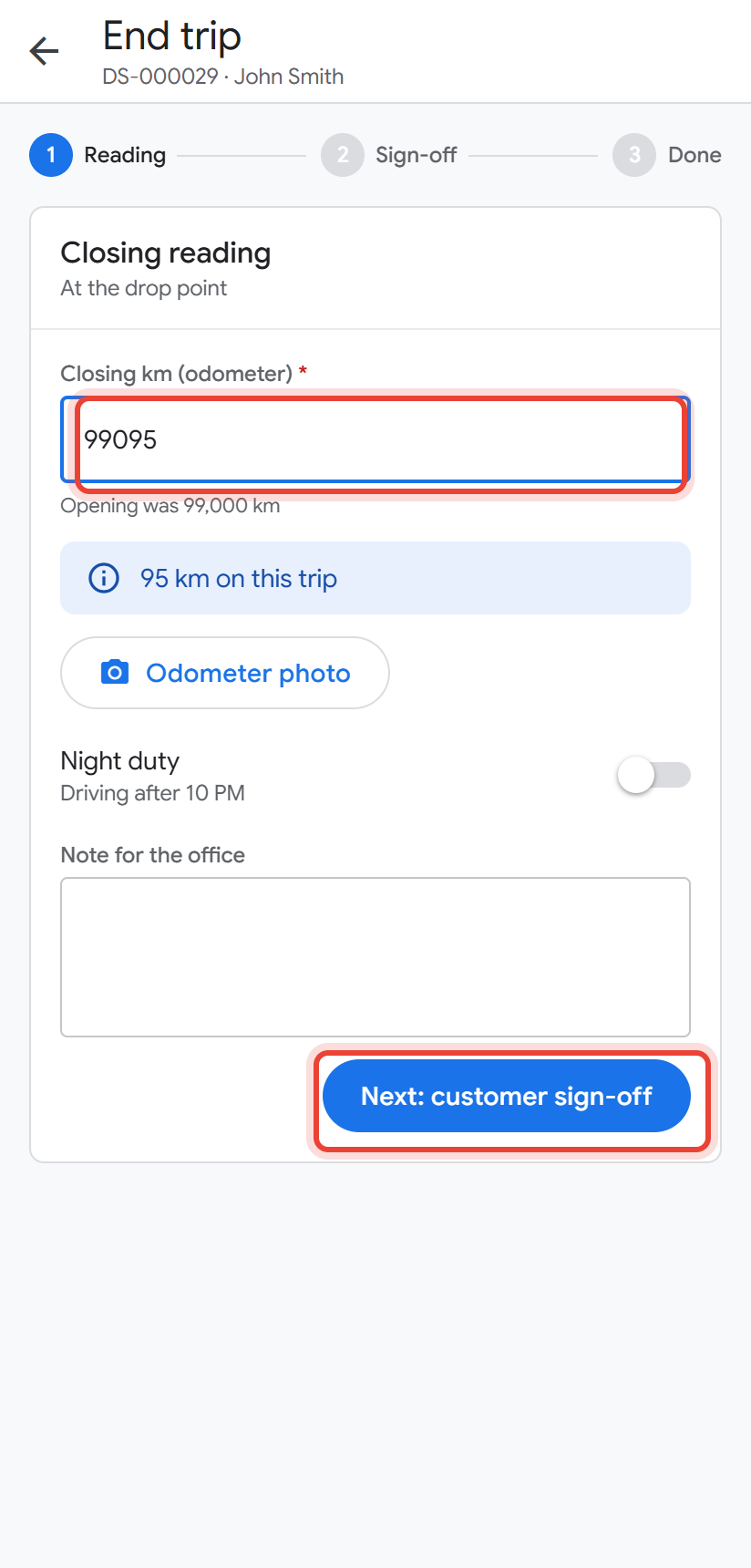
Type the Closing km. The km of this trip is worked out for you. Tap Next: customer sign-off.
- 8
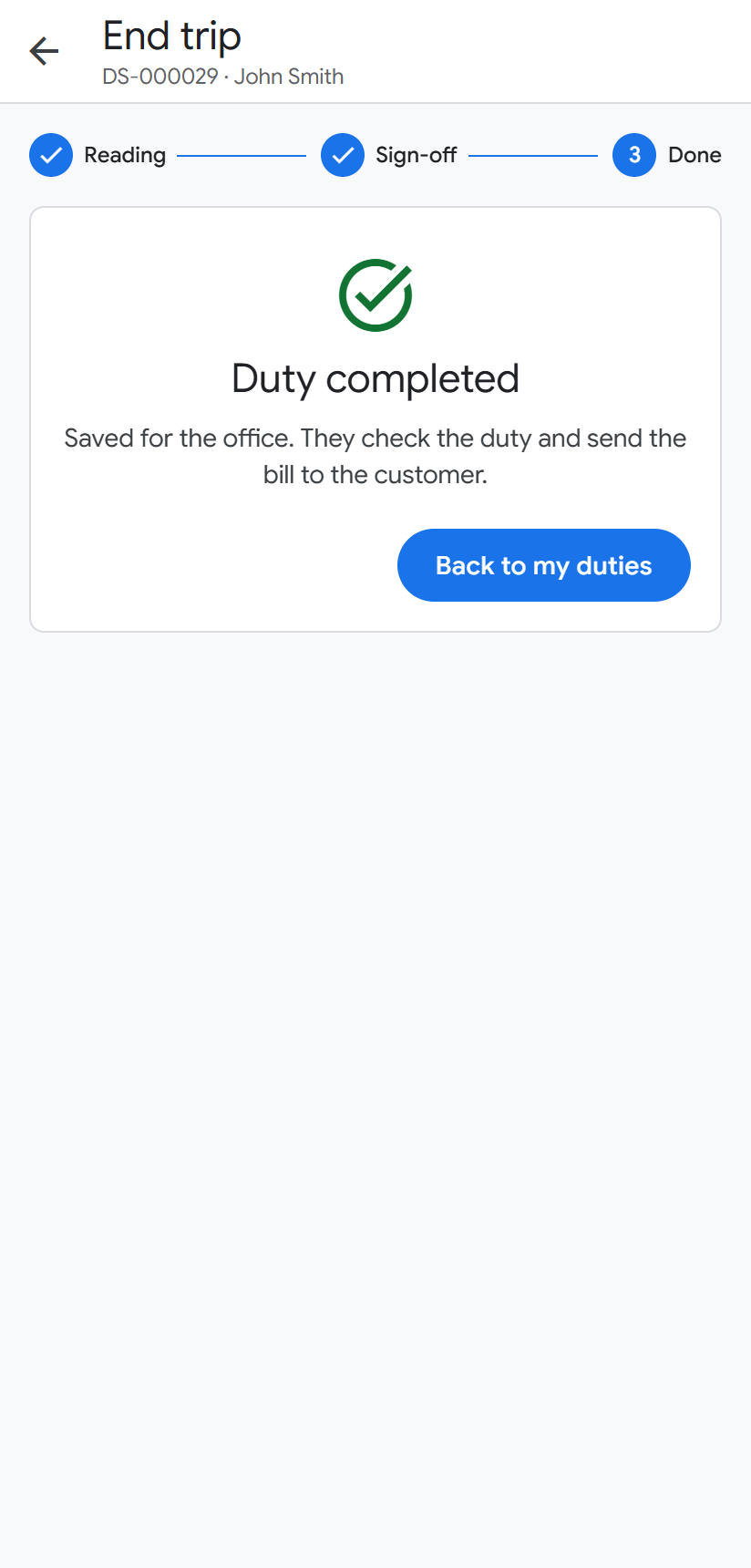
Give the phone to the passenger: they sign with a finger and give stars. Then tap Complete duty.
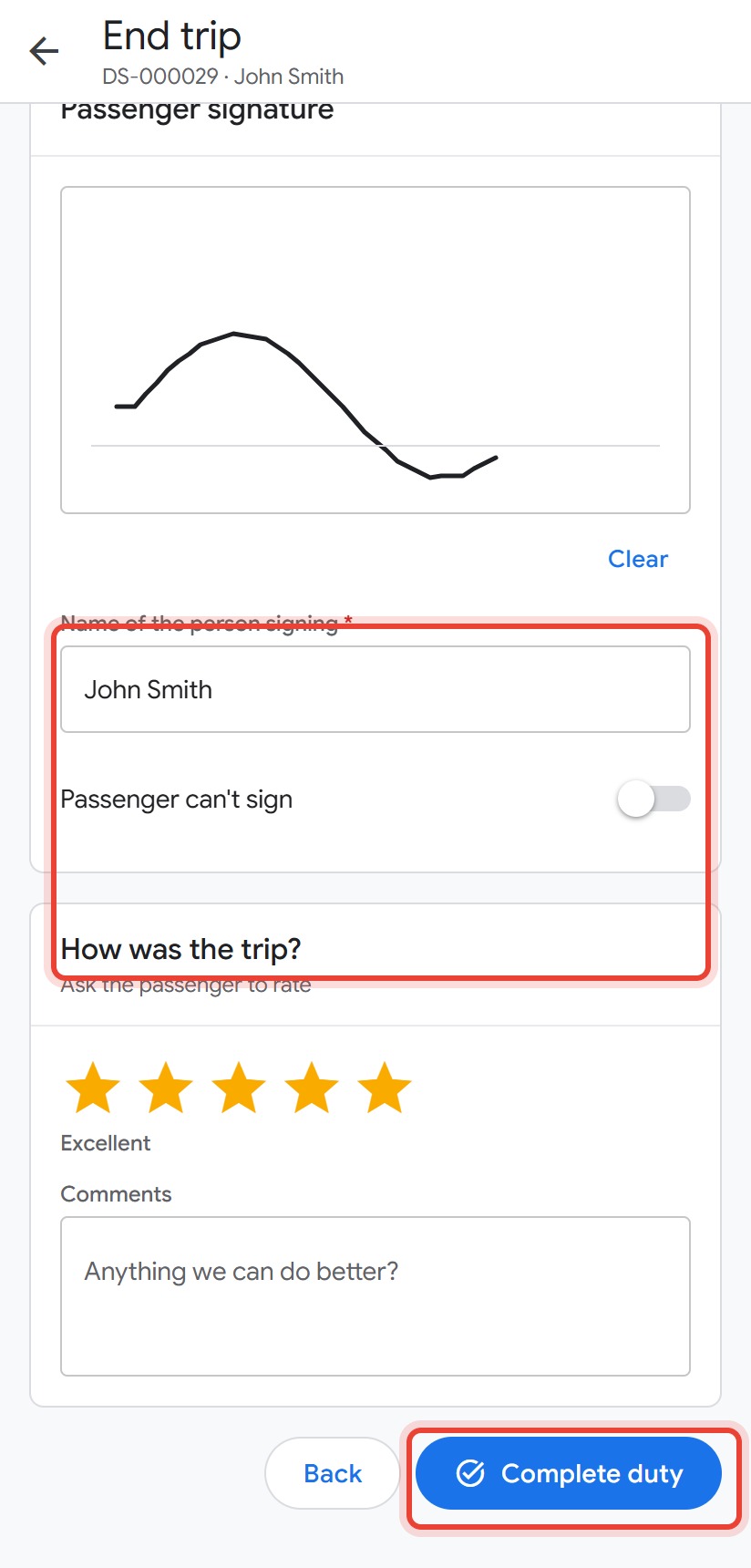
Done. The office sees the finished trip straight away and can bill it.
The Leave tab: apply for a day or half day off. The Salary tab: this month's salary so far. Drivers never see fares, invoices or khata.
Did this help?
Stuck on a step? We help on call and WhatsApp, in Hindi and English.