
What your customer does on the booking link
Three short screens on the phone: Where, When, You. No app and no login. The request reaches your office in seconds.
- 1
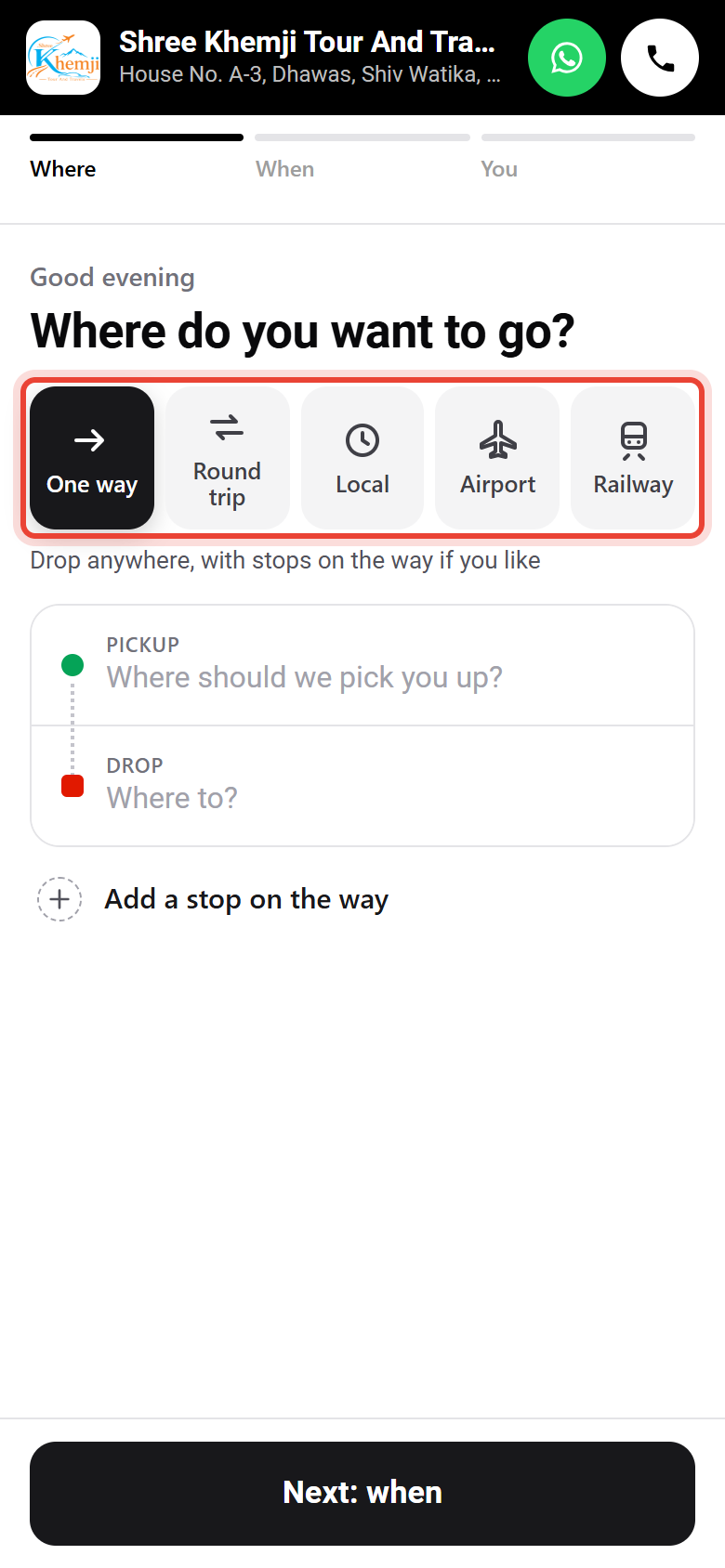
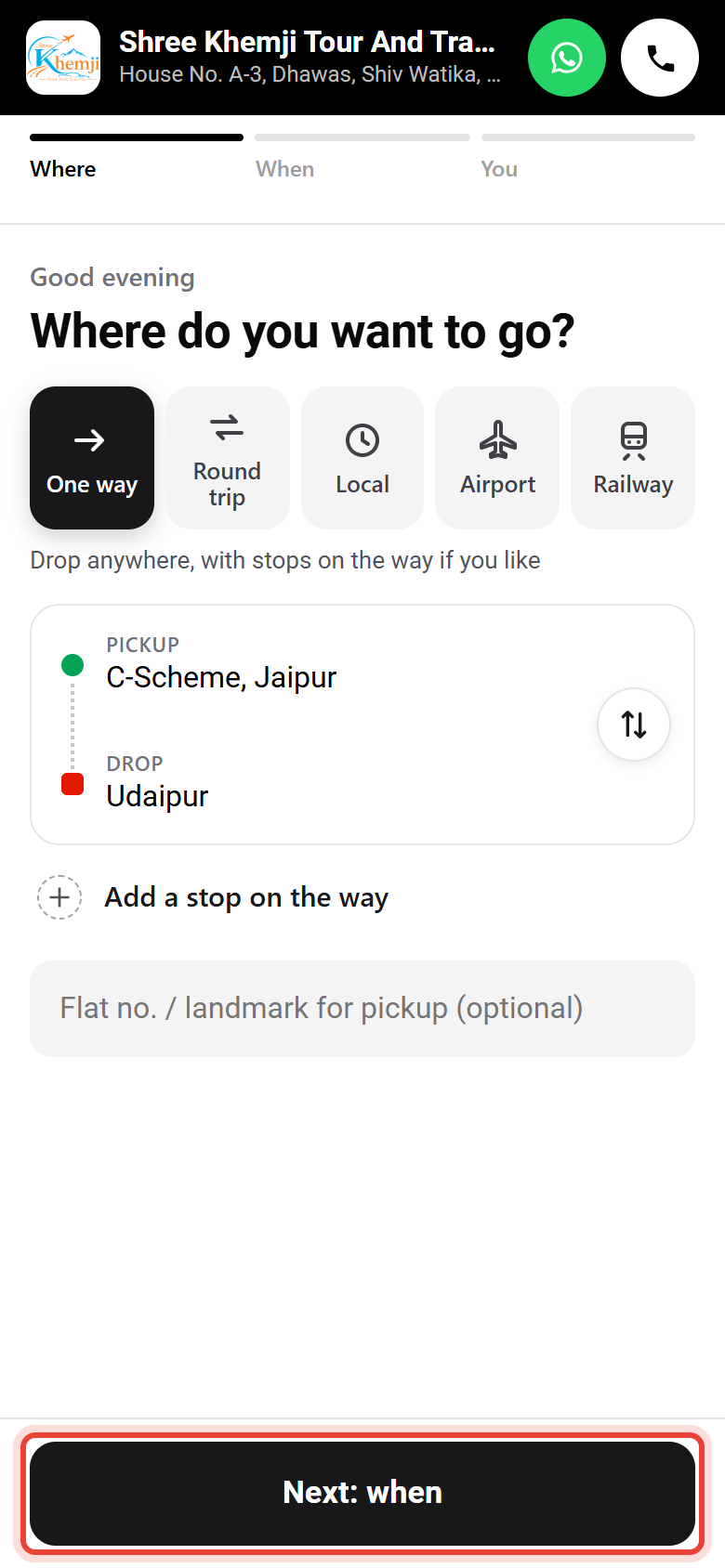
The customer opens your link. Your logo, Call and WhatsApp are at the top. They tap the kind of trip: one way, round trip, local, airport or railway.
- 2
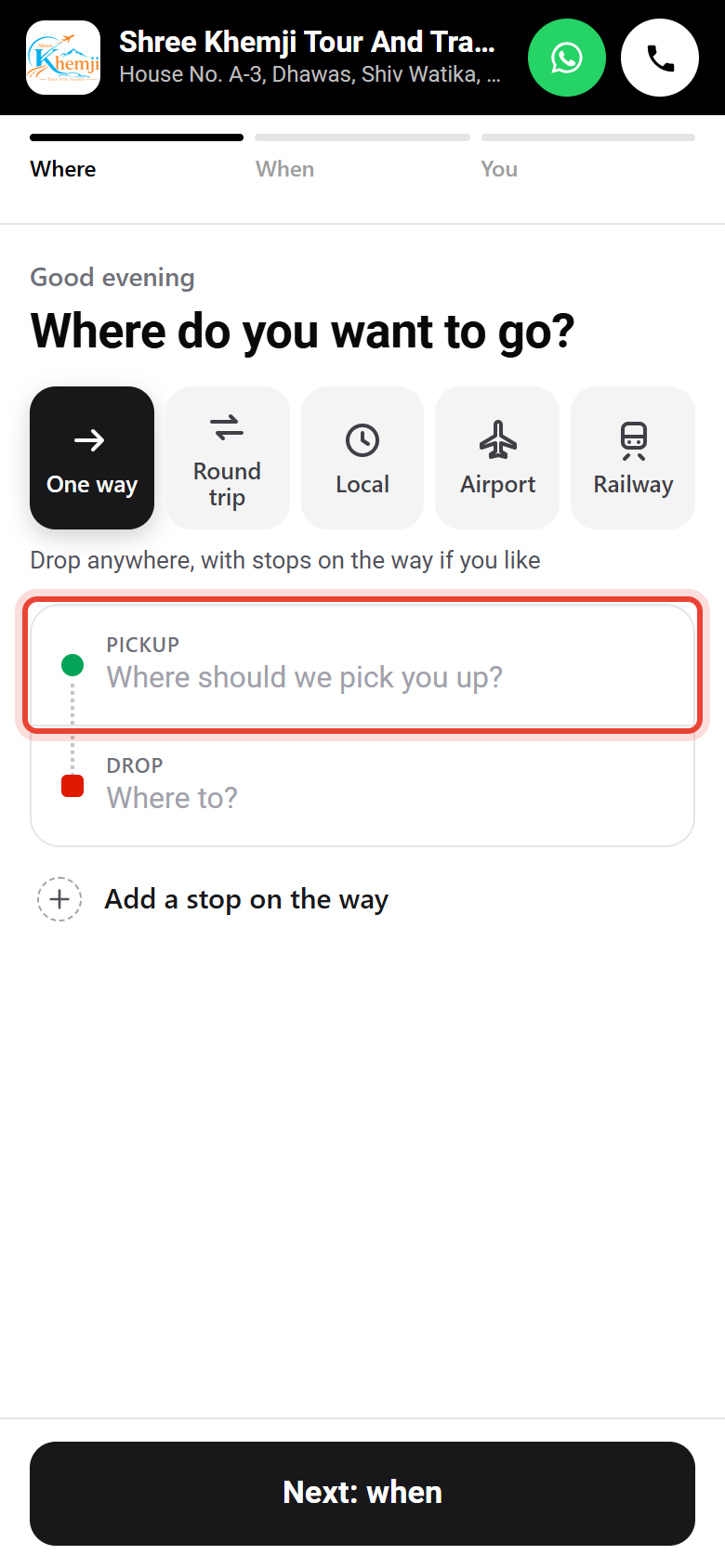
They tap Pickup.
- 3
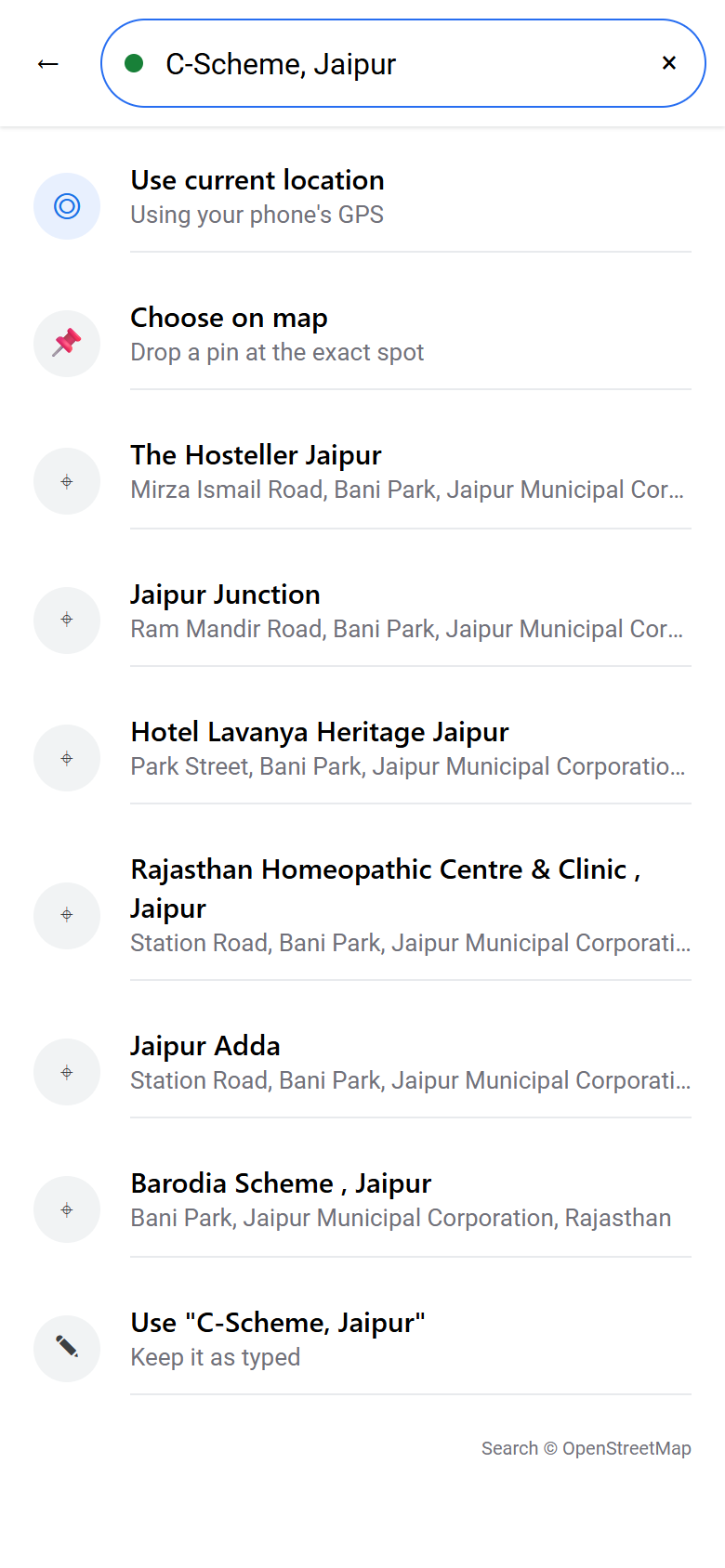
They search the place, use their current location, or choose it on the map.
- 4
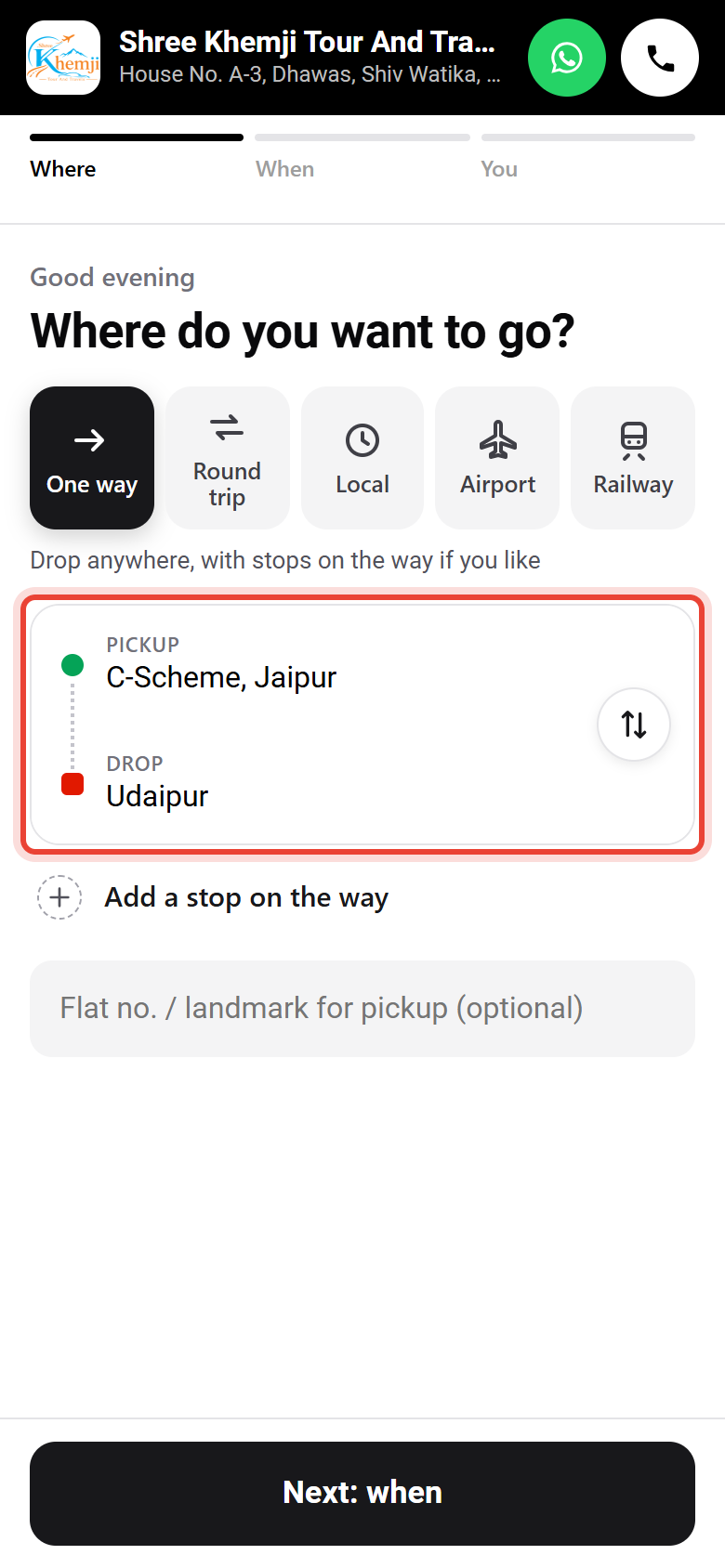
Then the Drop the same way. Both show in one card; ⇅ swaps them.
- 5
They tap Next: when.
- 6
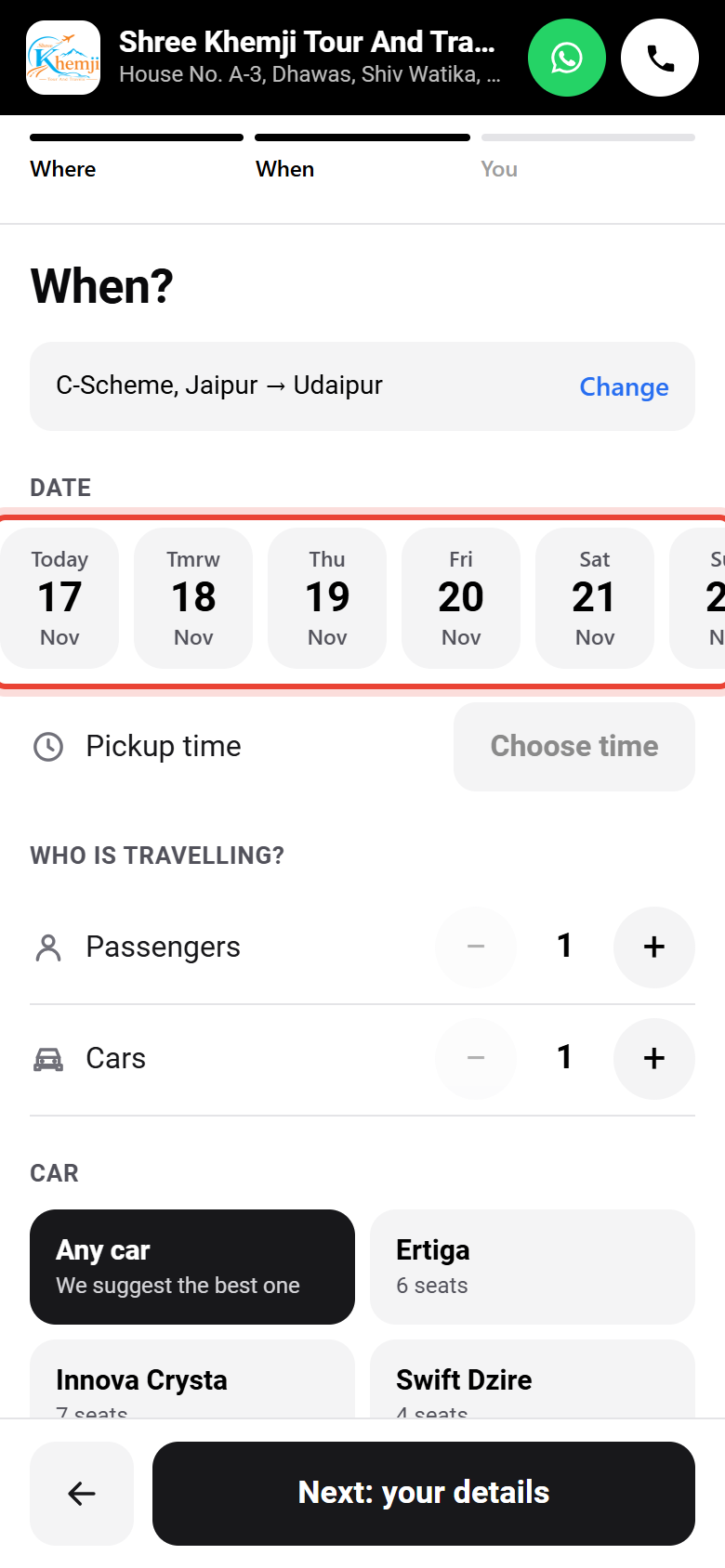
They tap a day (the next 7 days are one tap) or open the calendar.
- 7
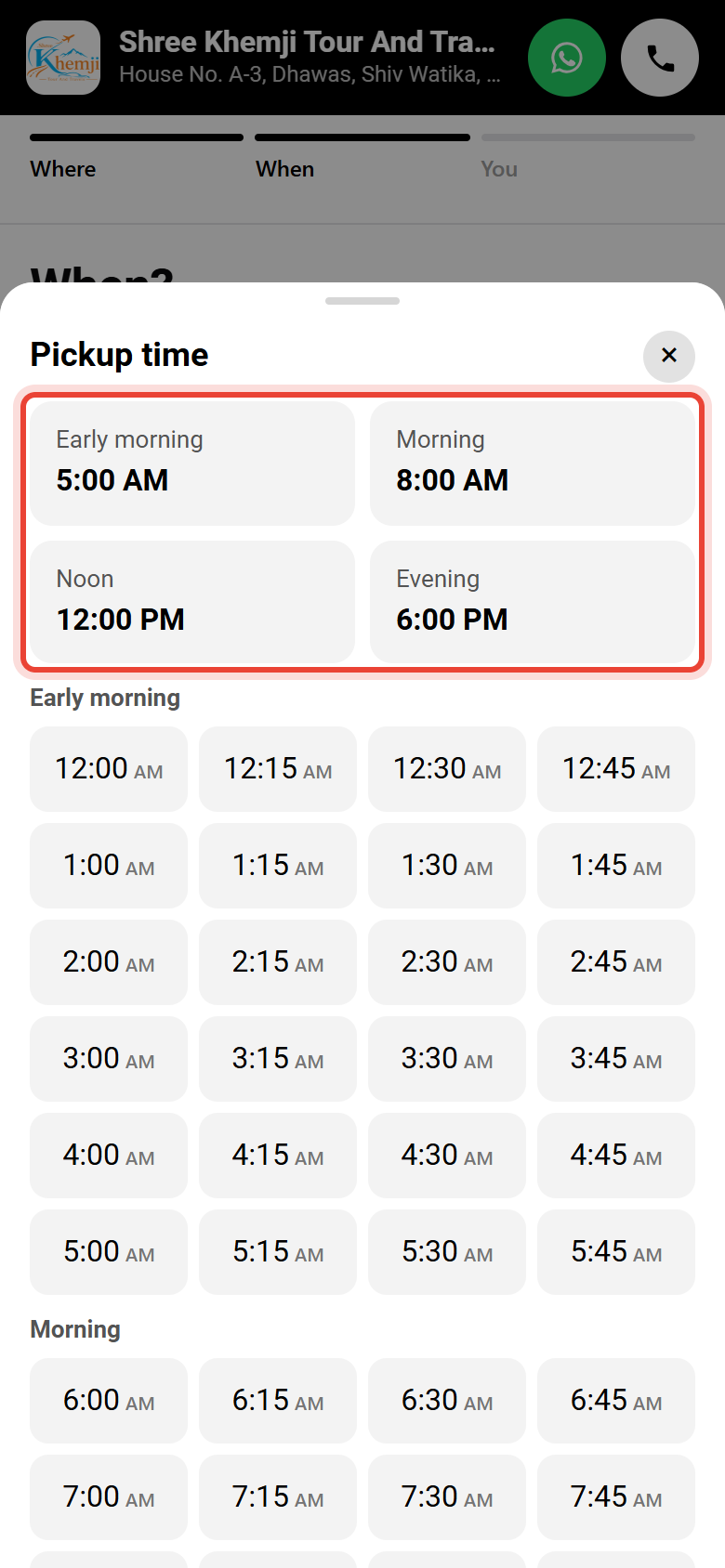
They pick the Pickup time.
- 8
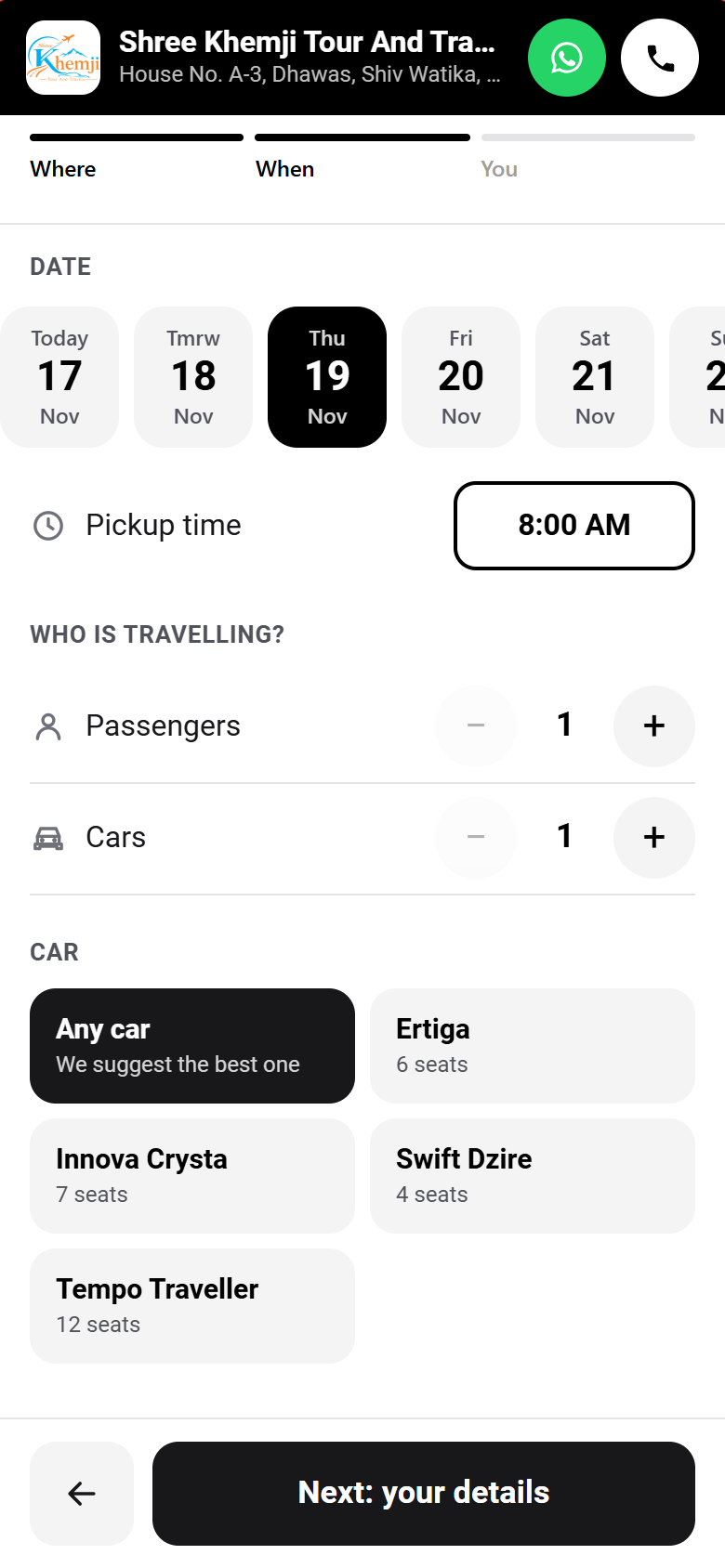
They choose how many people, how many cars (for weddings) and the car type.
- 9
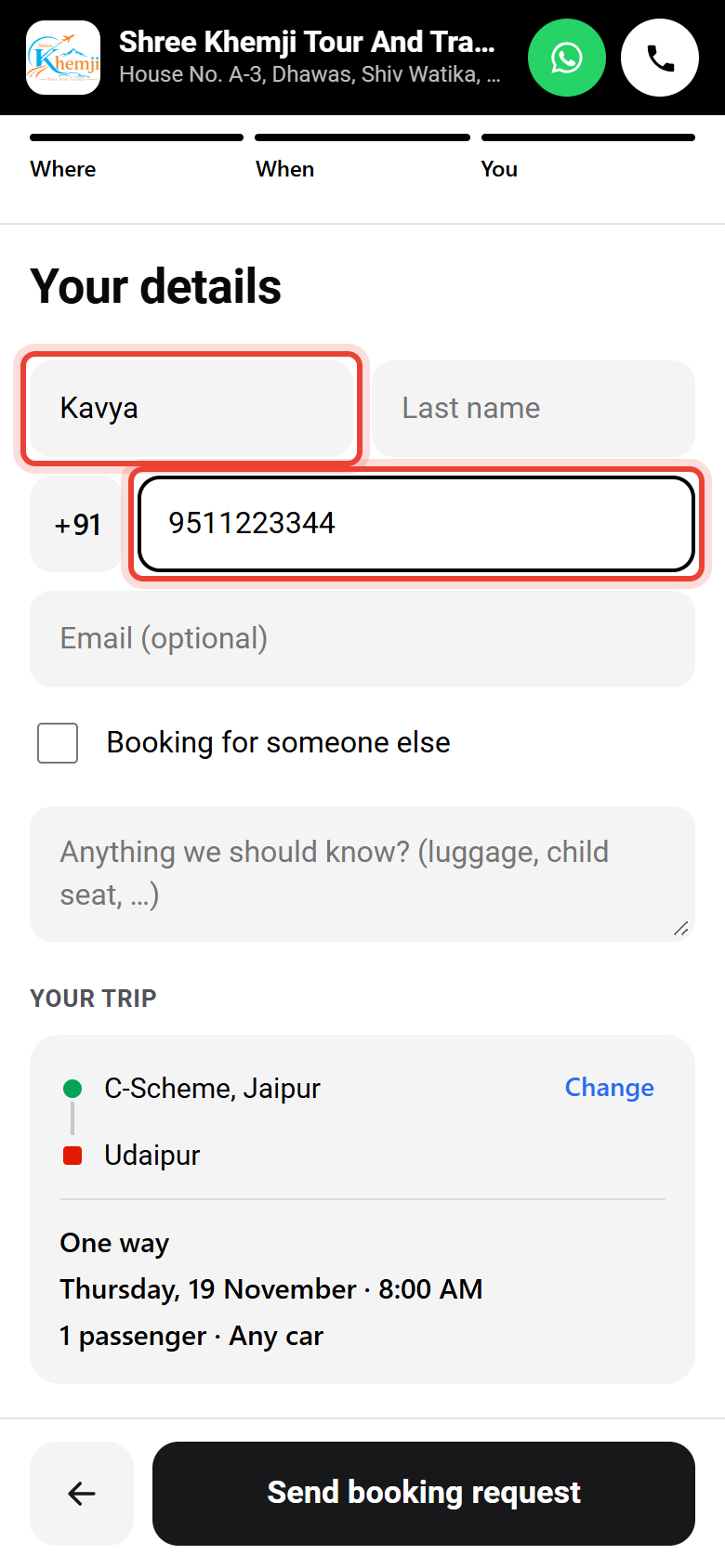
Last screen: their name and mobile number.
- 10
They check the whole trip and tap Send booking request.
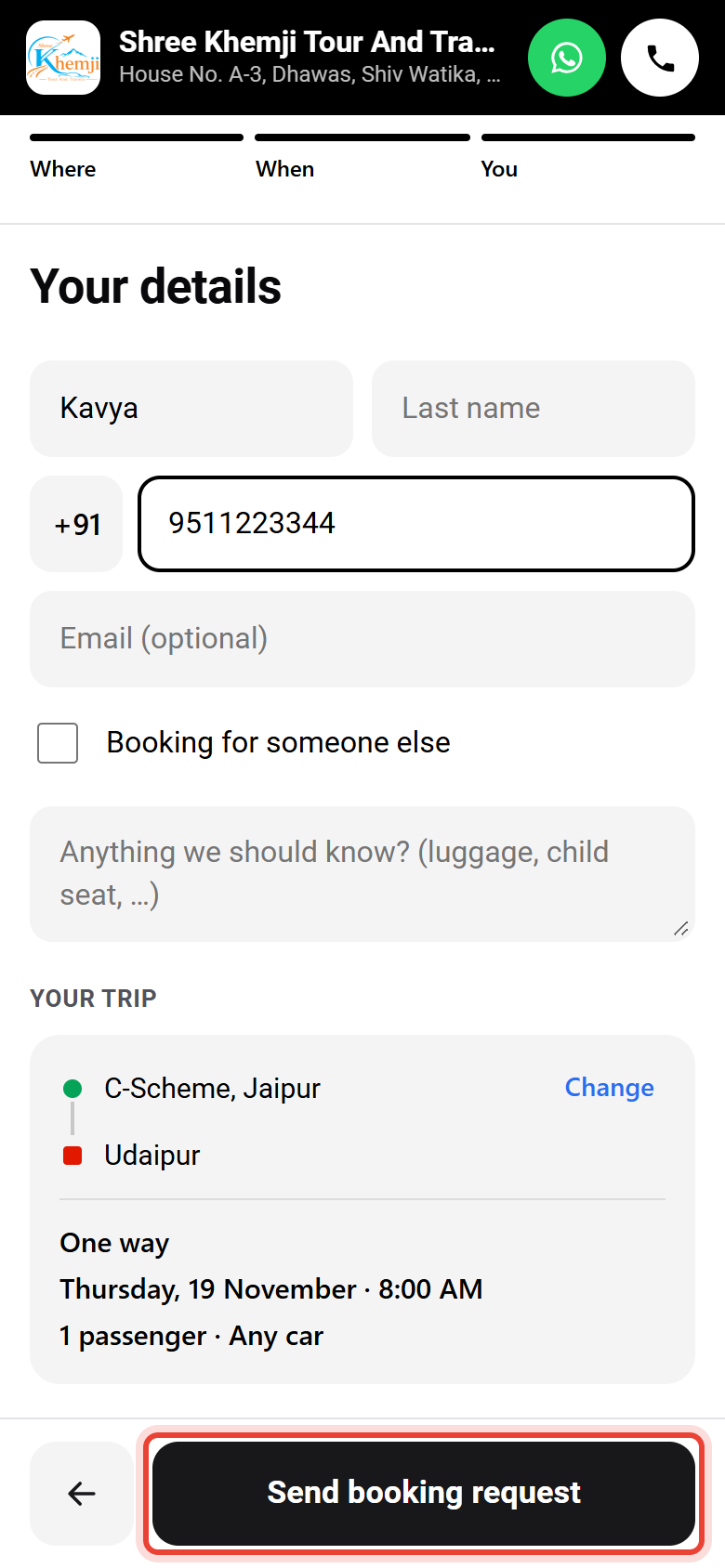
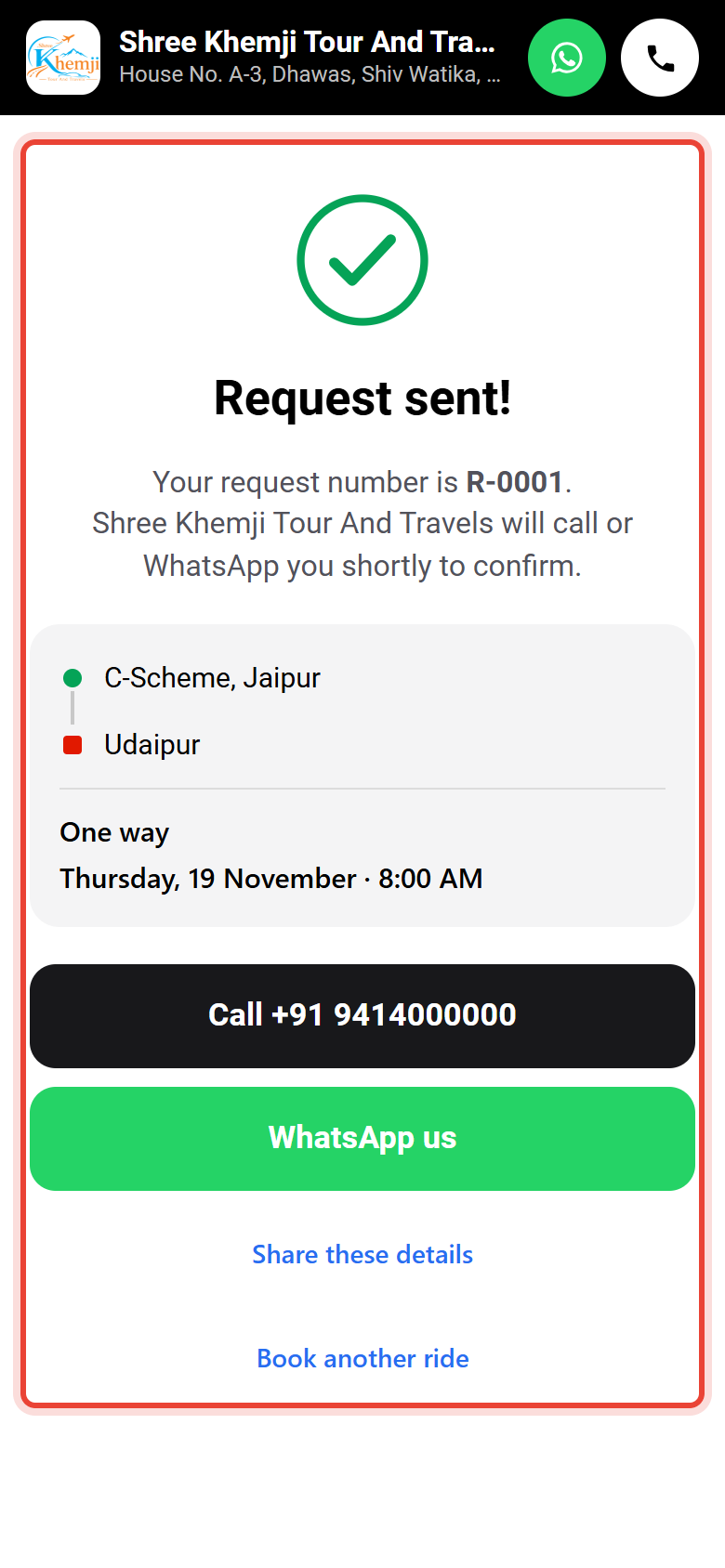
Sent. They see the request number, and can call or WhatsApp you. Next time the page greets them by name and remembers their places.
The page stops robots by itself (an "I am human" check, a hidden trap and limits per number), so you only get real requests.
Did this help?
Stuck on a step? We help on call and WhatsApp, in Hindi and English.