
Finish a duty in the office (paper duty slip)
When the driver brings back a paper duty slip instead of using the phone, type the km and times here.
Owner, Booking staffWebsiteAbout 2 min4 steps
- 1
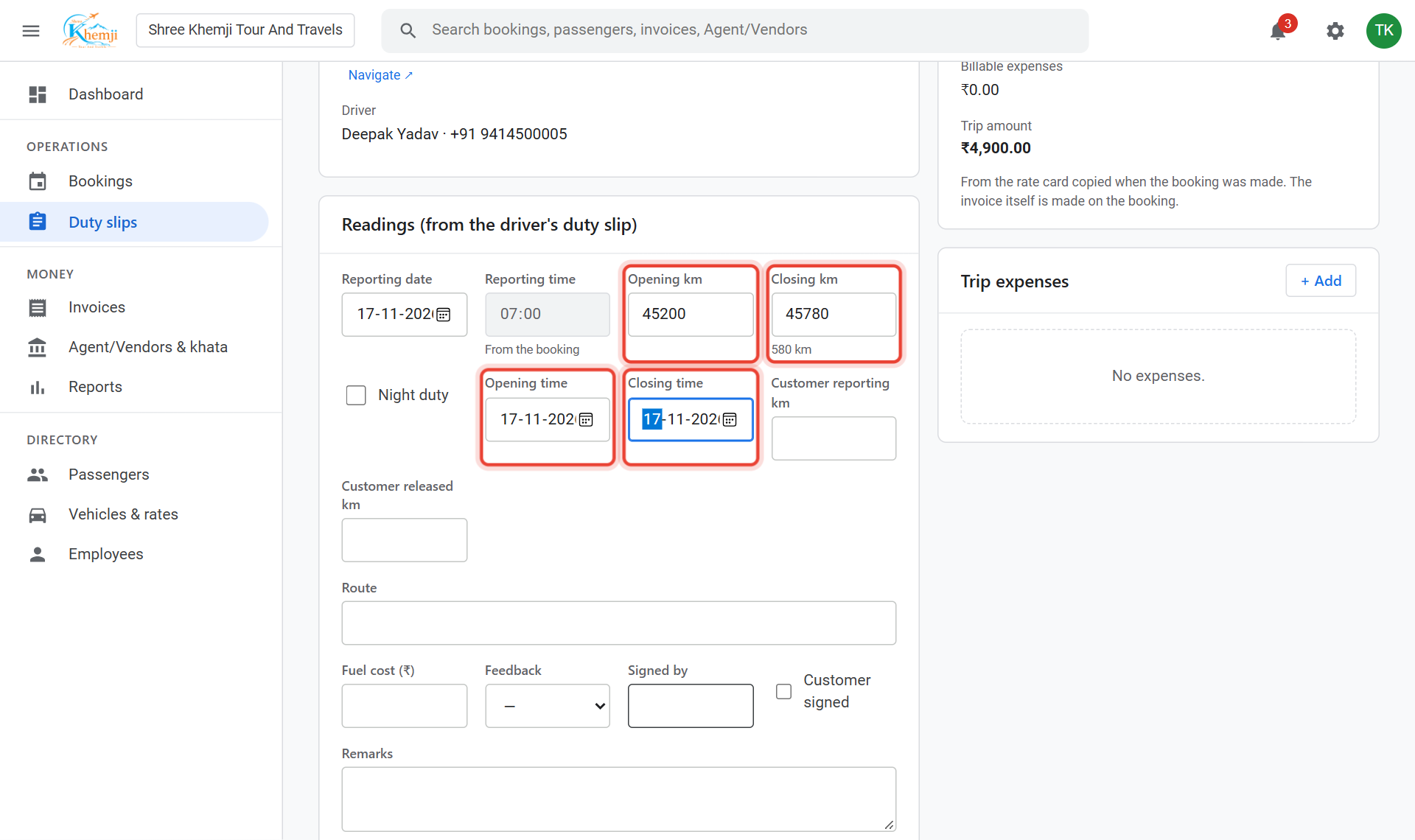
Open the duty slip. Under Readings, type the Opening km and Closing km from the odometer, and the Opening time and Closing time.
- 2
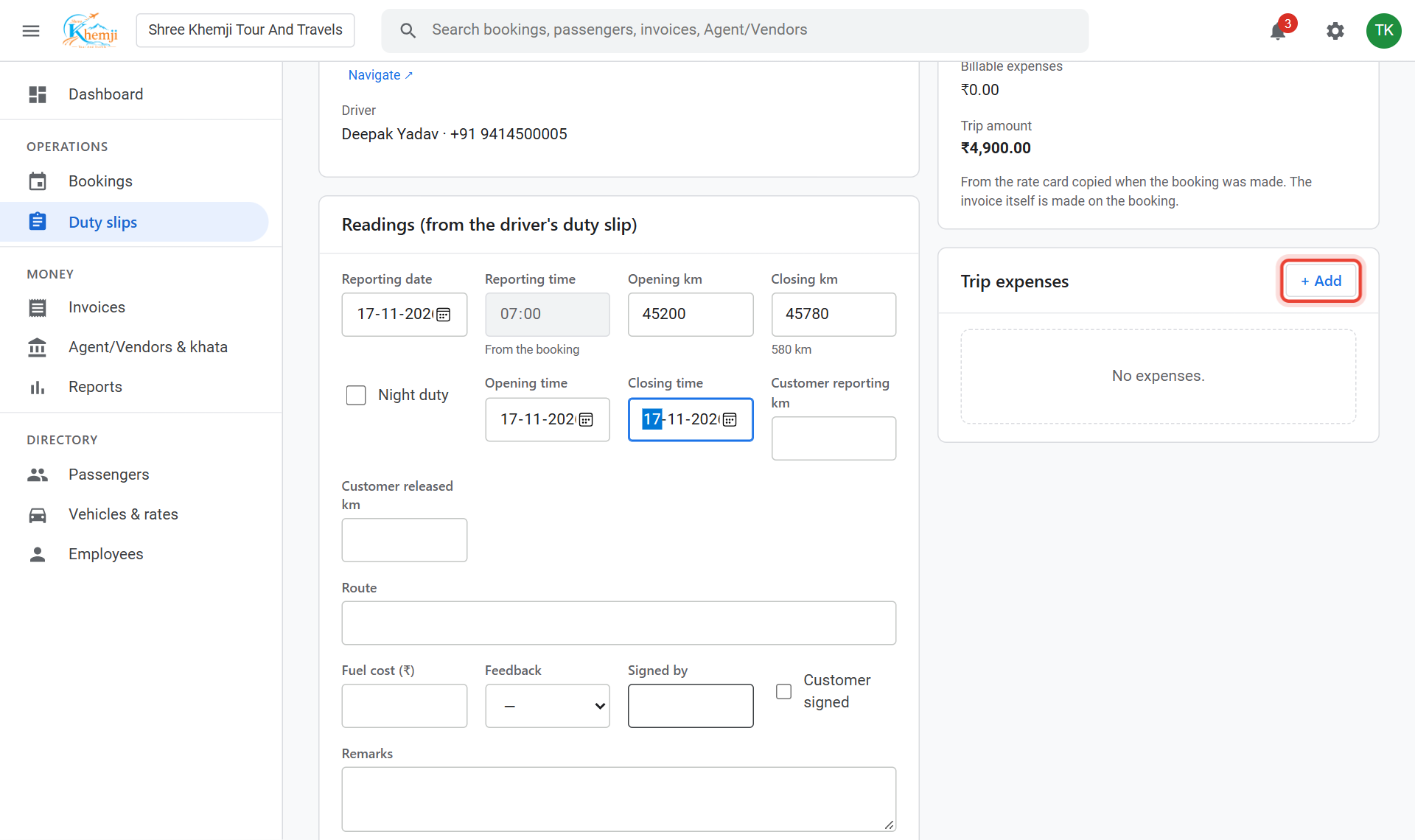
Toll, parking or other costs? Under Trip expenses click + Add, type the amount and tick Bill it to the customer to put it on the invoice.
- 3
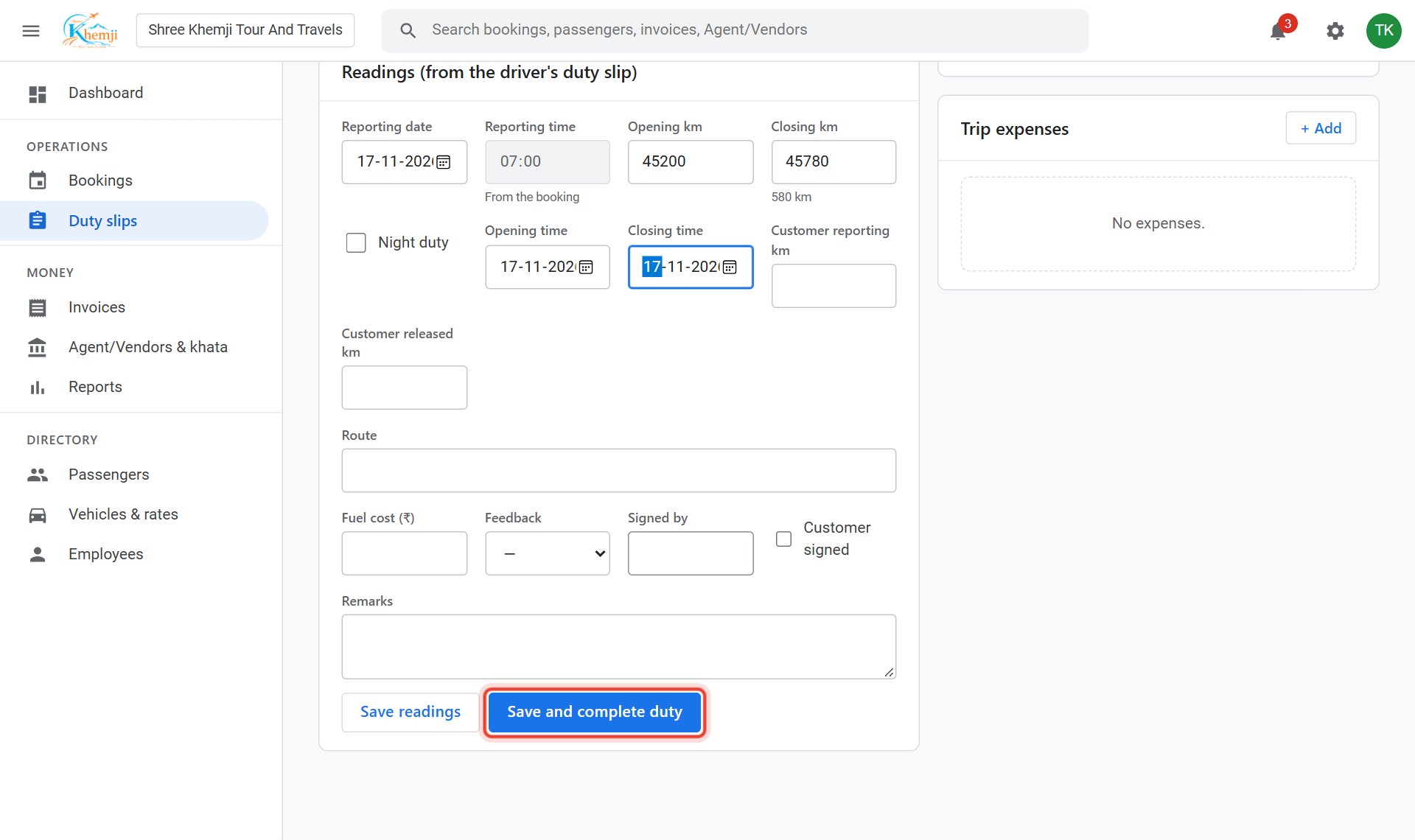
Click Save and complete duty.
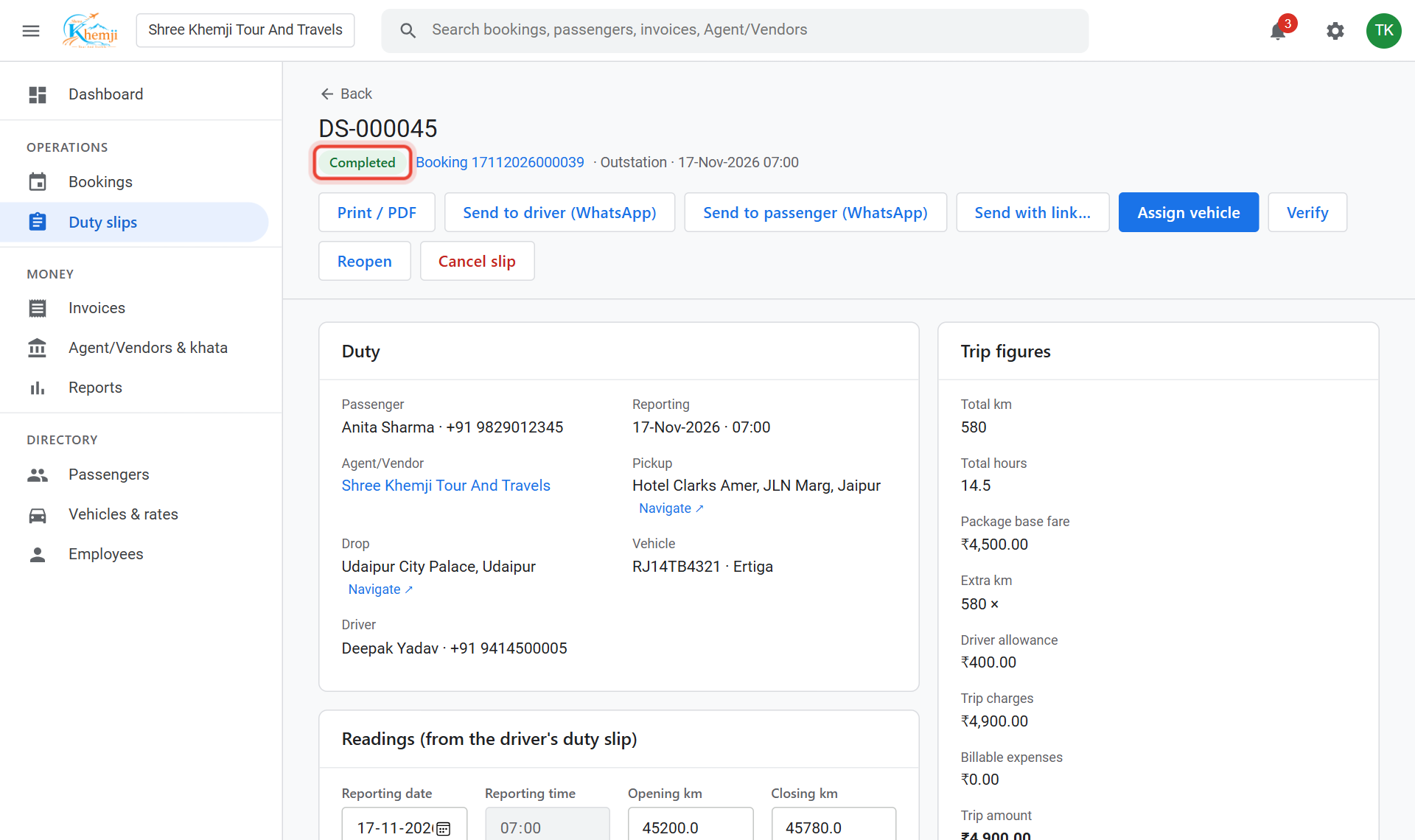
Done. The duty is Completed. Its km and hours are filled in by themselves when you make the invoice.
Did this help?
Stuck on a step? We help on call and WhatsApp, in Hindi and English.